Asset overview
Understand the setup.
Then make it your own.
Cliff - RockGen2 is a Blender Geometry Nodes asset in OmniKit’s nature collection.
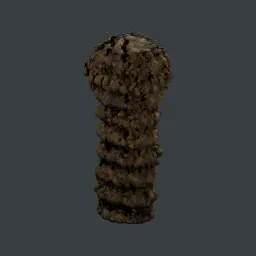
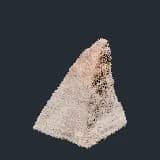
Curve-driven rock cliff generator (proposed architecture). Draw a closed curve = footprint, set Height. Pipeline: curve->capped block->COARSE repeat-zone fBm displacement->noise TAPER to an irregular leaning peak->stratified ledges + base spread->base flatten->VOLUME retopo (watertight)->Style Menu Switch (Smooth/Hex/Triangulated)->FINE displacement repeat-zone->stores edge_sharp(cavity)+base_mask. Ships with a grey rock material (cavity-darkened crevices, strata hint, base dirt, bump). Drives a whole family of rock formations.
Its exposed inputs include Height, Resample Count, Subdivisions, Seed, Coarse Iterations, Coarse Displace, Coarse Scale. Review the control reference below to plan a suitable setup.
Source and setup notes
Source node name: BHub Cliff - RockGen2
Collection: Cliff Assembly/01 Generators
Structural inspection used Blender 5.2.0 LTS. Other releases and render engines require separate checks.
How to approach this asset
- Check the source notes for the expected mesh, curve, field, shader or World context.
- Start with a disposable scene and a suitable input. Inspect required object, material or collection inputs.
- Adjust one documented control at a time. Evaluate the result before using it in a production project.