Asset overview
Understand the setup.
Then make it your own.
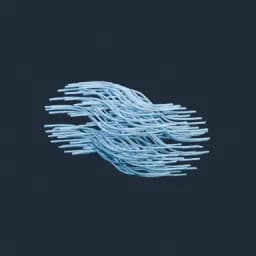
Attach Hair Curves to Surface is a Blender Geometry Nodes asset in OmniKit’s modeling collection.
HAIR/CURVE TOOL: use on hair curves or inside a hair node tree. Surface-based tools need a UV-mapped surface and rest geometry; attach hair to the surface first. | Attaches hair curves to a surface mesh
Its exposed inputs include Surface Source, Surface UV Map, Resting Surface, Use Existing Attachment, Snap to Surface, Blend along Curve, Align to Surface Normal. Review the control reference below to plan a suitable setup.
Source and setup notes
Source node name: Attach Hair Curves to Surface
Collection: 22 Geometry Nodes/Hair & Fur/Hair Generation
Structural inspection used Blender 5.2.0 LTS. Other releases and render engines require separate checks.
How to approach this asset
- Check the source notes for the expected mesh, curve, field, shader or World context.
- Start with a disposable scene and a suitable input. Inspect required object, material or collection inputs.
- Adjust one documented control at a time. Evaluate the result before using it in a production project.