215 review assets / Modeling
Modeling.
Your way.
Procedural modeling helpers for shapes, surfaces and repeatable operations. Start from the expected mesh or curve input and evaluate the result in a disposable scene.
Search this collection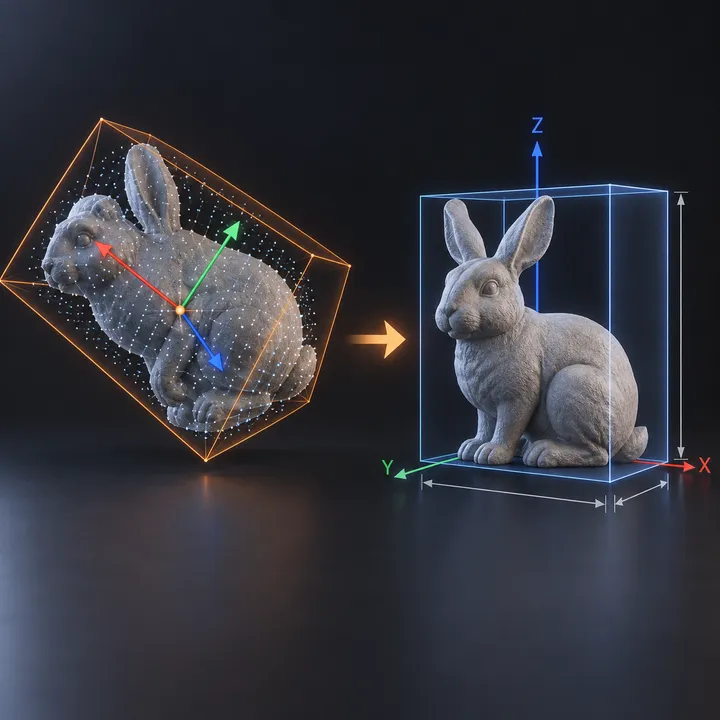 AI concept
Modeling
Align Pro
MESH INPUT: drop on a mesh, or feed mesh geometry to Geometry. Apply object scale for predictable distances. | Align Pro - finds a mesh's own principal axes and squares it to the w
 AI concept
Modeling
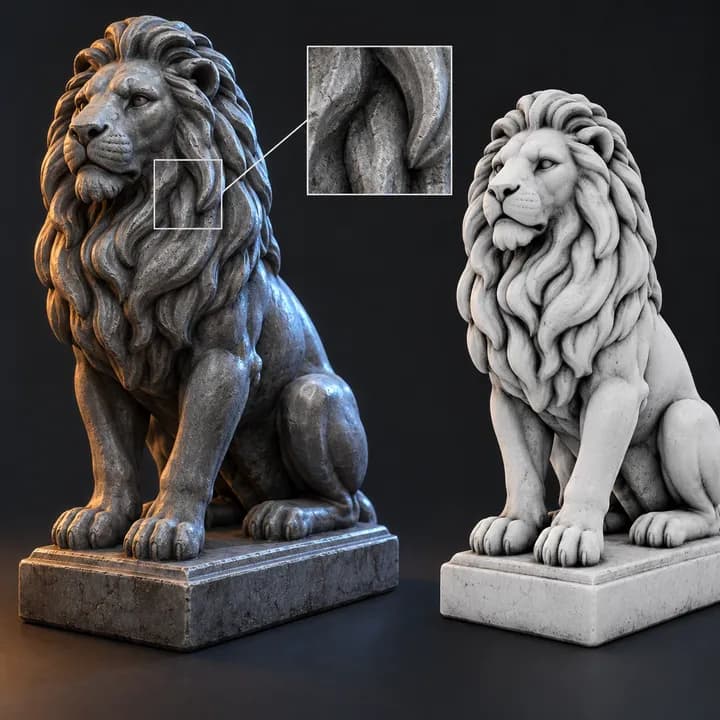
AO Mask
MESH INPUT: drop on a mesh, or feed mesh geometry to Geometry. Apply object scale for predictable distances. | Raycast ambient-occlusion / cavity mask - 6 hemisphere samples per po
 AI concept
Modeling
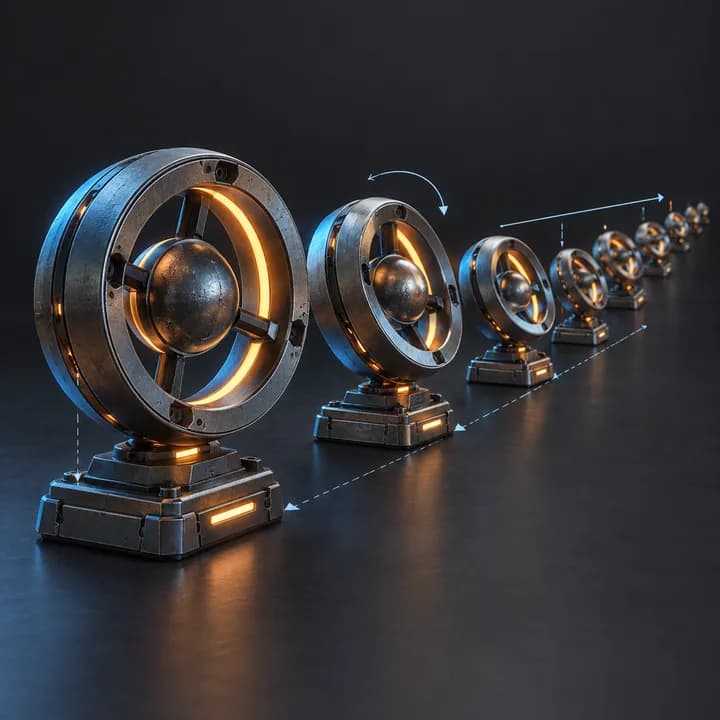
Array Advanced
MESH INPUT: drop on a mesh, or feed mesh geometry to Geometry. Apply object scale for predictable distances. | Linear array with per-step rotation and scale ramping plus seeded ran
 AI concept
Modeling
Asteroid Field
CURVE INPUT: drop on a curve or connect curve geometry to Curve. Use a path with enough length for the chosen spacing. | Draw a curve, get an asteroid belt. Curve-length or fixed-c
 AI concept
Modeling
Attach Hair Curves to Surface
HAIR/CURVE TOOL: use on hair curves or inside a hair node tree. Surface-based tools need a UV-mapped surface and rest geometry; attach hair to the surface first. | Attaches hair cu
 AI concept
Modeling
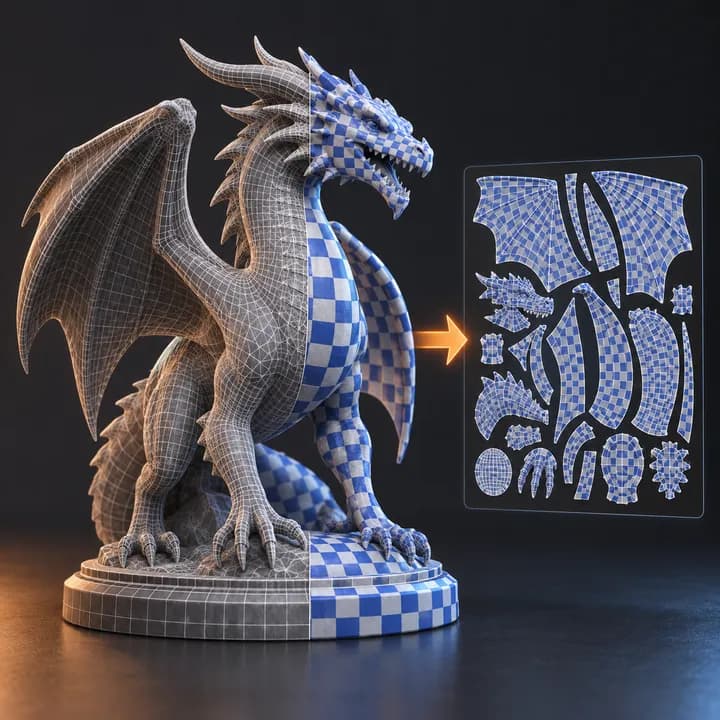
Auto UV
MESH INPUT: drop on a mesh, or feed mesh geometry to Geometry. Apply object scale for predictable distances. | Auto UV - unwraps any generated mesh inside the node tree: seams from
 Illustrative preview
Modeling
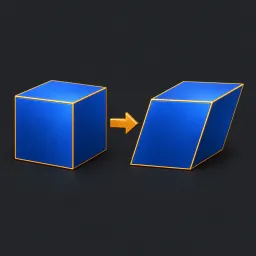
Axis Shear Pro
Drop onto a mesh. Shears X and Y proportionally to local Z minus Pivot Z. Preserves topology; selection and strength can be fields. Bypass restores the original geometry. Apply sca
 AI concept
Modeling
Banner
GENERATOR: drop on a mesh host to create its own geometry. The host shape is not the source; use the exposed size and shape controls. | Wind-blown banner - Blender's Cloth Dynamics
 AI concept
Modeling
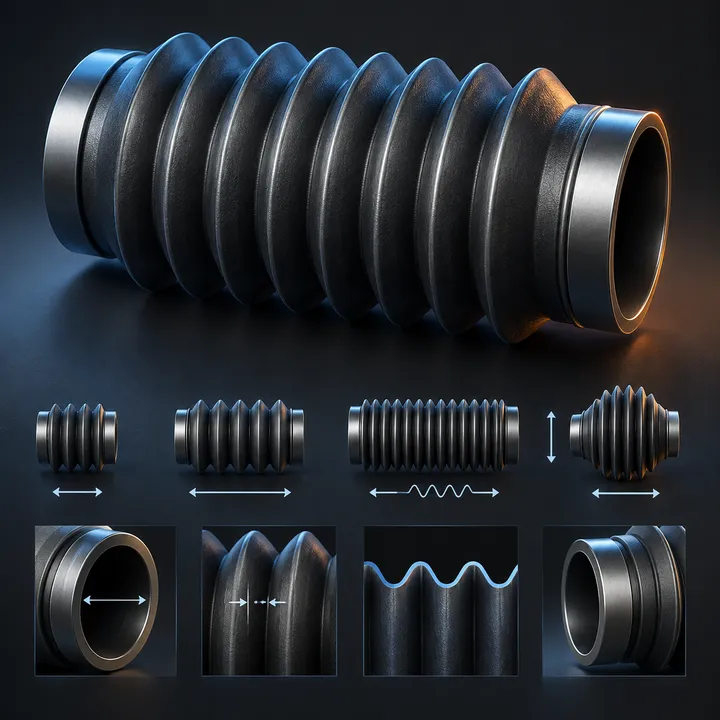
Bellows Pro
GENERATOR: drop on a mesh host to create its own geometry. The host shape is not the source; use the exposed size and shape controls. | Adjustable folds, length, opening radius, de
 AI concept
Modeling
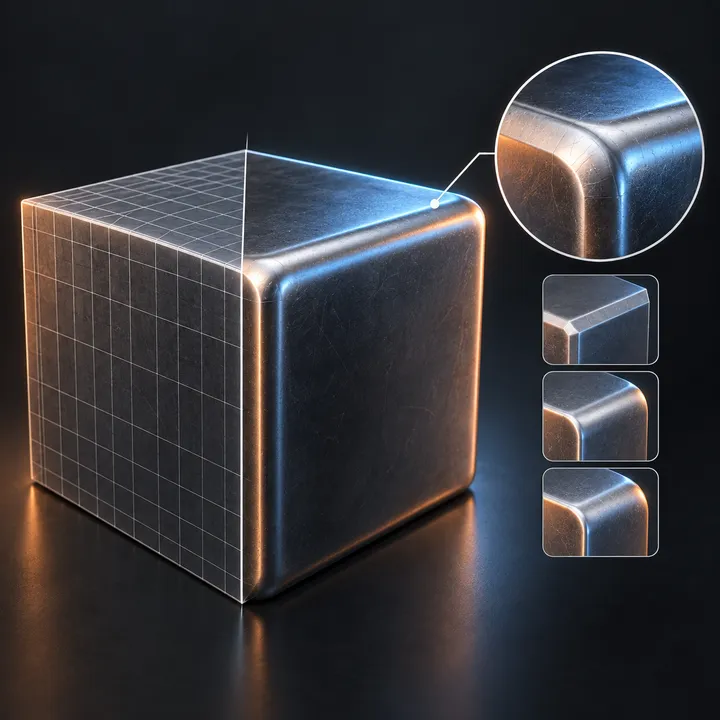
Bevel Pro
MESH INPUT: drop on a mesh, or feed mesh geometry to Geometry. Apply object scale for predictable distances. | Bevel Pro - a real procedural bevel on the new 5.2 Mesh Bevel node. P
 AI concept
Modeling
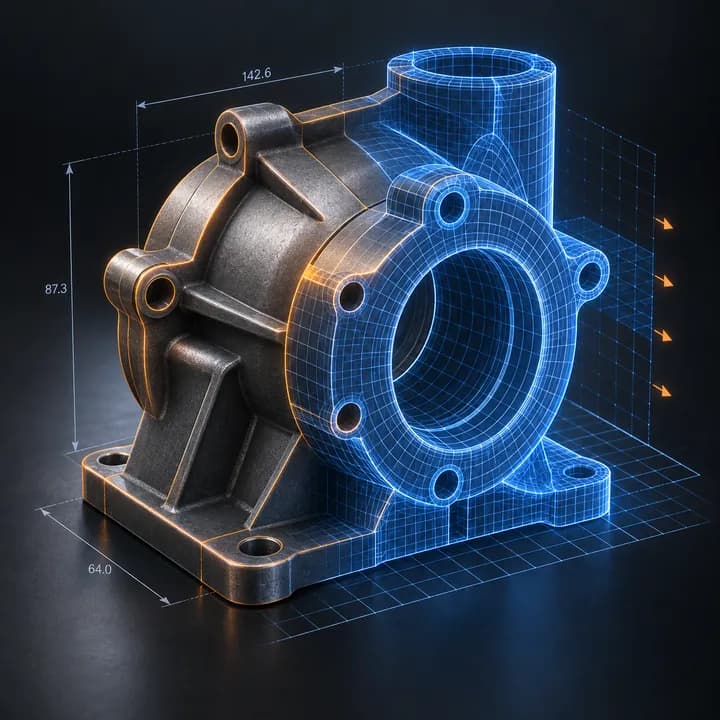
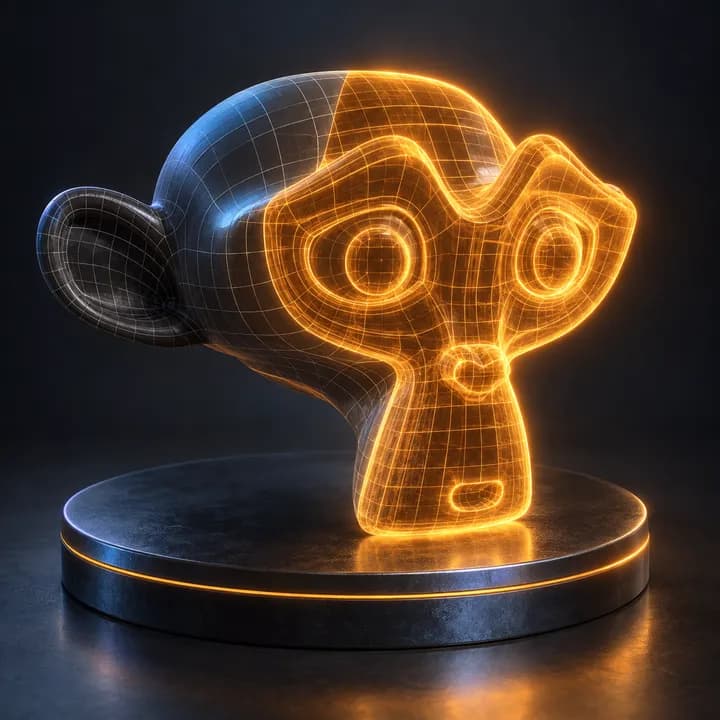
Blueprint Pro
MESH INPUT: drop on a mesh, or feed mesh geometry to Geometry. Apply object scale for predictable distances. | Technical blueprint visualization for meshes: feature lines, topology
 AI concept
Modeling
Blueprint Pro - Amber Hologram
MESH INPUT: drop on a mesh, or feed mesh geometry to Geometry. Apply object scale for predictable distances. | Amber Hologram preset of Blueprint Pro; materials embedded for drag-a
 AI concept
Modeling
Blueprint Pro - Architect Cobalt
MESH INPUT: drop on a mesh, or feed mesh geometry to Geometry. Apply object scale for predictable distances. | Architect Cobalt reference-inspired preset. Pair with BP Ref - Archit
 AI concept
Modeling
Blueprint Pro - Archive Ochre
MESH INPUT: drop on a mesh, or feed mesh geometry to Geometry. Apply object scale for predictable distances. | Archive Ochre reference-inspired preset. Pair with BP Ref - Archive O
 AI concept
Modeling
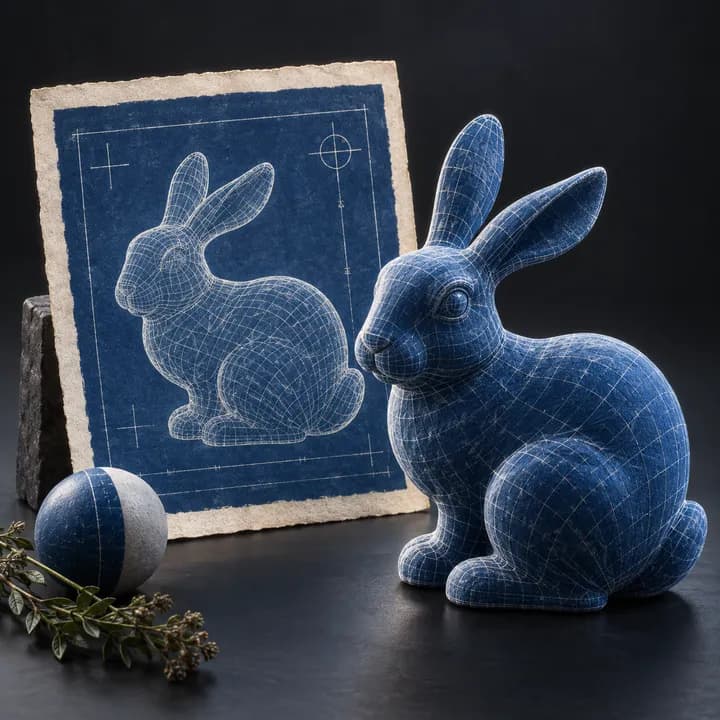
Blueprint Pro - Classic Cyanotype
MESH INPUT: drop on a mesh, or feed mesh geometry to Geometry. Apply object scale for predictable distances. | Classic Cyanotype reference-inspired preset. Pair with BP Ref - Class