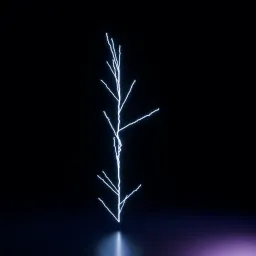
Asset overview
Understand the setup.
Then make it your own.
Lightning VFX Bloom is a Blender compositor node group in OmniKit’s vfx collection.
COMPOSITOR: connect render Image through this group. Adjustable Fog Glow and optional optical streaks for Eevee or Cycles lightning. Not a Geometry Nodes modifier.
Its exposed inputs include Image, Bloom, Threshold, Size, Streaks. Review the control reference below to plan a suitable setup.
Source and setup notes
Source node name: OMNI - Lightning VFX Bloom
Collection: 13 Compositing/Glare Bloom & Glow
Structural inspection used Blender 5.2.0 LTS. Other releases and render engines require separate checks.
How to approach this asset
- Check the source notes for the expected mesh, curve, field, shader or World context.
- Start with a disposable scene and a suitable input. Inspect required object, material or collection inputs.
- Adjust one documented control at a time. Evaluate the result before using it in a production project.