Asset overview
Understand the setup.
Then make it your own.
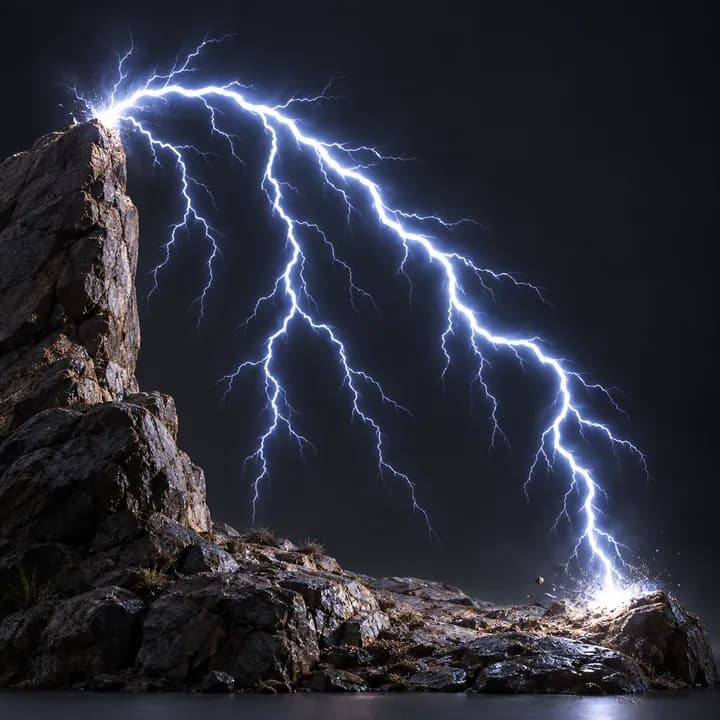
Lightning is a Blender Geometry Nodes asset in OmniKit’s buildings collection.
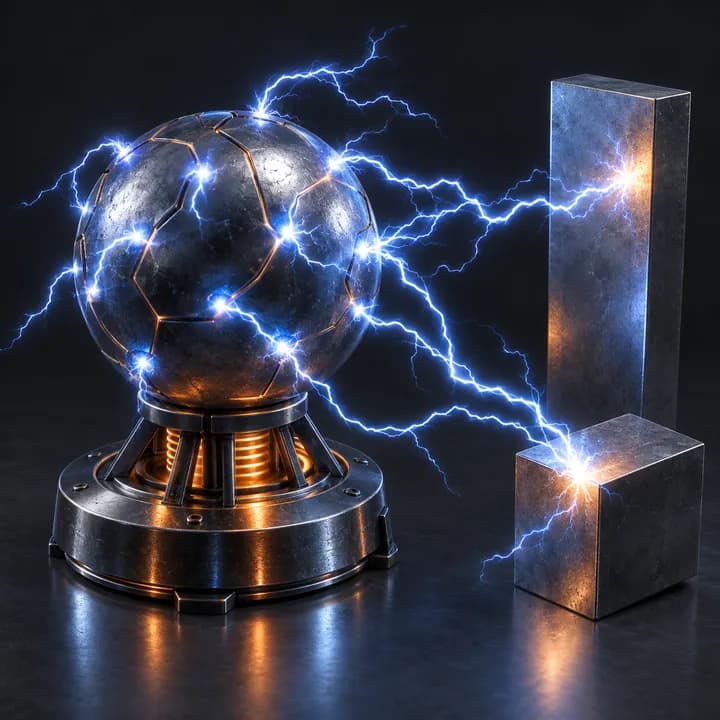
CURVE INPUT: drop on a curve or connect curve geometry to Curve. Use a path with enough length for the chosen spacing. | Realistic lightning strike - jittered bolt with pinned endpoints, recursive branch generations that grow in sync with the parent, length-based thickness hierarchy, and a strike flash that fades and drops the branches on contact. Writes NF_bolt for the emission shader.
Its exposed inputs include Strike, Levels, Seed, Resolution, Jitter, Jitter Scale, Jitter Detail. Review the control reference below to plan a suitable setup.
Source and setup notes
Source node name: OMNI - Lightning
Collection: 22 Geometry Nodes/VFX/Electricity & Lightning
Structural inspection used Blender 5.2.0 LTS. Other releases and render engines require separate checks.
How to approach this asset
- Check the source notes for the expected mesh, curve, field, shader or World context.
- Start with a disposable scene and a suitable input. Inspect required object, material or collection inputs.
- Adjust one documented control at a time. Evaluate the result before using it in a production project.