Asset overview
Understand the setup.
Then make it your own.
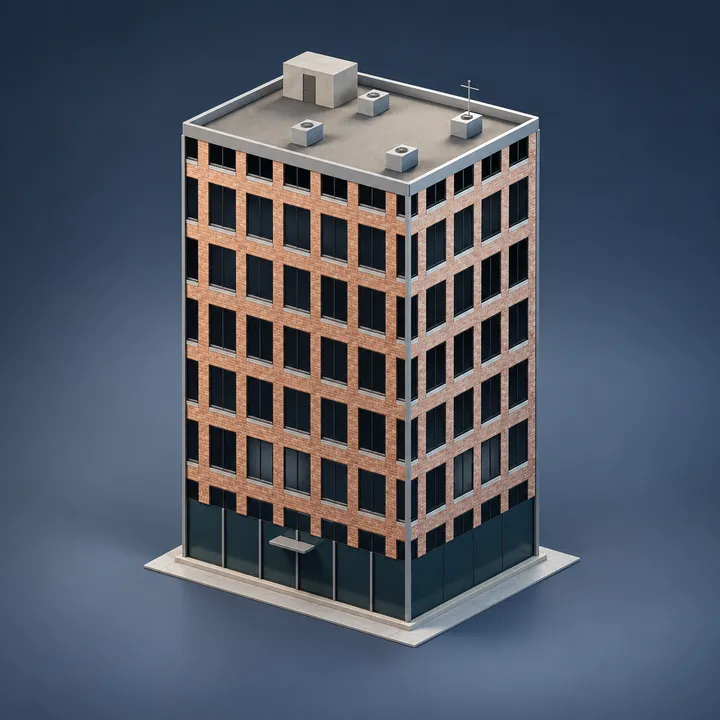
Catwalk Pro is a Blender Geometry Nodes asset in OmniKit’s buildings collection.
CURVE INPUT: drop on a curve or connect curve geometry to Path. Use a path with enough length for the chosen spacing. | Catwalk Pro - an industrial walkway between two points or along a path: grating planks at a set spacing, side bearers, kick plates, and cross-braced supports at their own spacing. Three layers - a pure-math layout controller that derives plank and support counts from spacing and reports when the run exceeds the face budget; a deck core consuming only derived counts; Wear jitters the planks and thins the deck. Pair with OMNI - Railing Gen for handrails.
Its exposed inputs include Start, End, Use Path, Path Length, Width, Build, Plank Spacing. Review the control reference below to plan a suitable setup.
Source and setup notes
Source node name: OMNI - Catwalk Pro
Collection: 22 Geometry Nodes/Modeling/Architecture & Modular
Structural inspection used Blender 5.2.0 LTS. Other releases and render engines require separate checks.
How to approach this asset
- Check the source notes for the expected mesh, curve, field, shader or World context.
- Start with a disposable scene and a suitable input. Inspect required object, material or collection inputs.
- Adjust one documented control at a time. Evaluate the result before using it in a production project.